
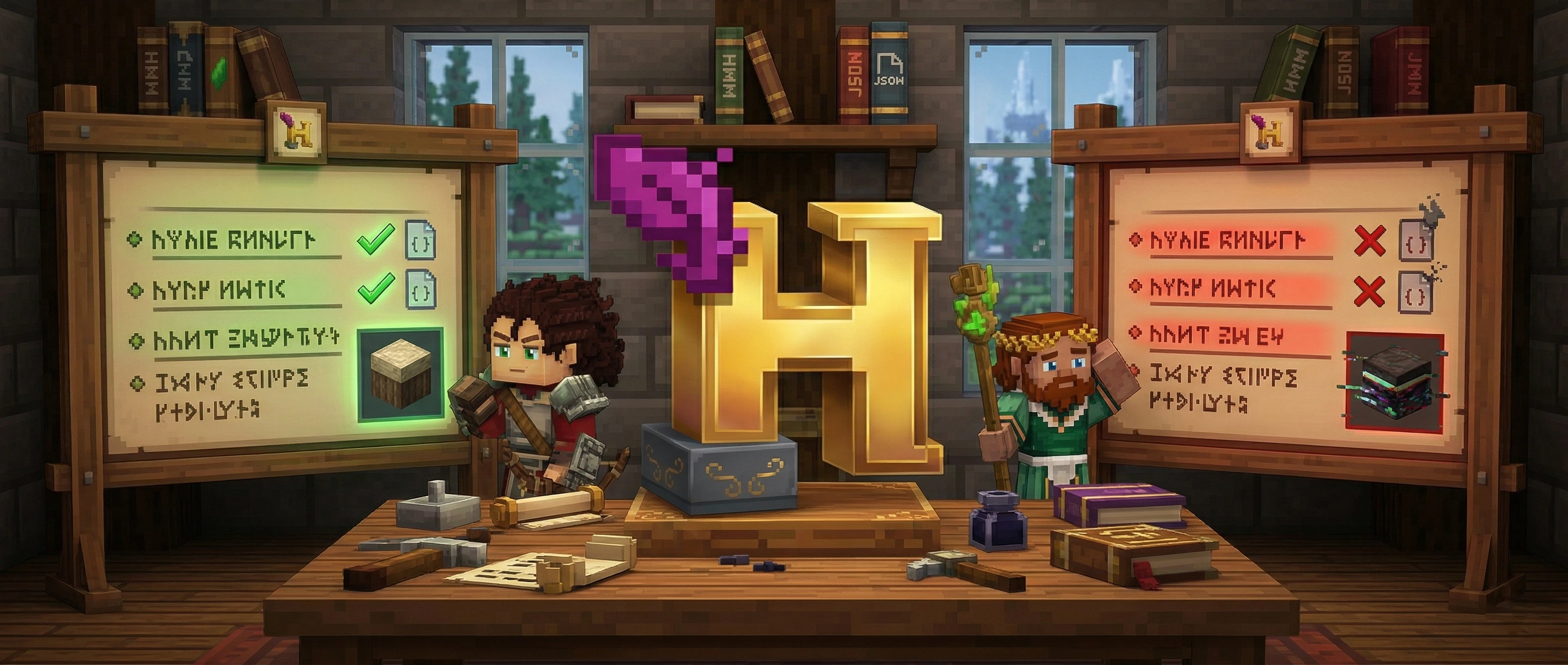
Mod JSON Validator
Validate your Hytale mod files with real-time syntax and schema checking. Paste, upload, or type your JSON to find errors instantly.
Mod JSON Validator
Drag & drop a .json file here, or click to browse
Validation Results
Paste or upload JSON to validate
Quick guide
How to Use the Hytale Mod JSON Validator
Pick the mod file type
Choose what you are checking — manifest, block definition, item definition, NPC role, or plugin config. The Mod JSON Validator checks your file against the matching Hytale schema.
Add your JSON
Paste your code into the editor, type it directly, or drag and drop a .json file onto the upload zone. A manifest.json file is detected and selected automatically.
Read the validation results
Errors and warnings appear instantly as you type. Each result shows the line number, a clear explanation, and a suggested fix. Click any result to jump straight to that line.
Fix, format, and export
Correct the flagged lines, then use Format to prettify or Minify to compress. When the result is valid, copy it to the clipboard or download it as a .json file.
Good to know
Hytale is in Early Access, so these schemas are based on community modding research and the current game and may still change. The validator runs entirely in your browser — your files are never uploaded to a server.